
Every family document, in one safe place
Scans of parish registers, photos of great-grandparents, letters from the front, recordings of your grandmothers. Upload from any device, sort into folders, view right in your browser — and share with your family.

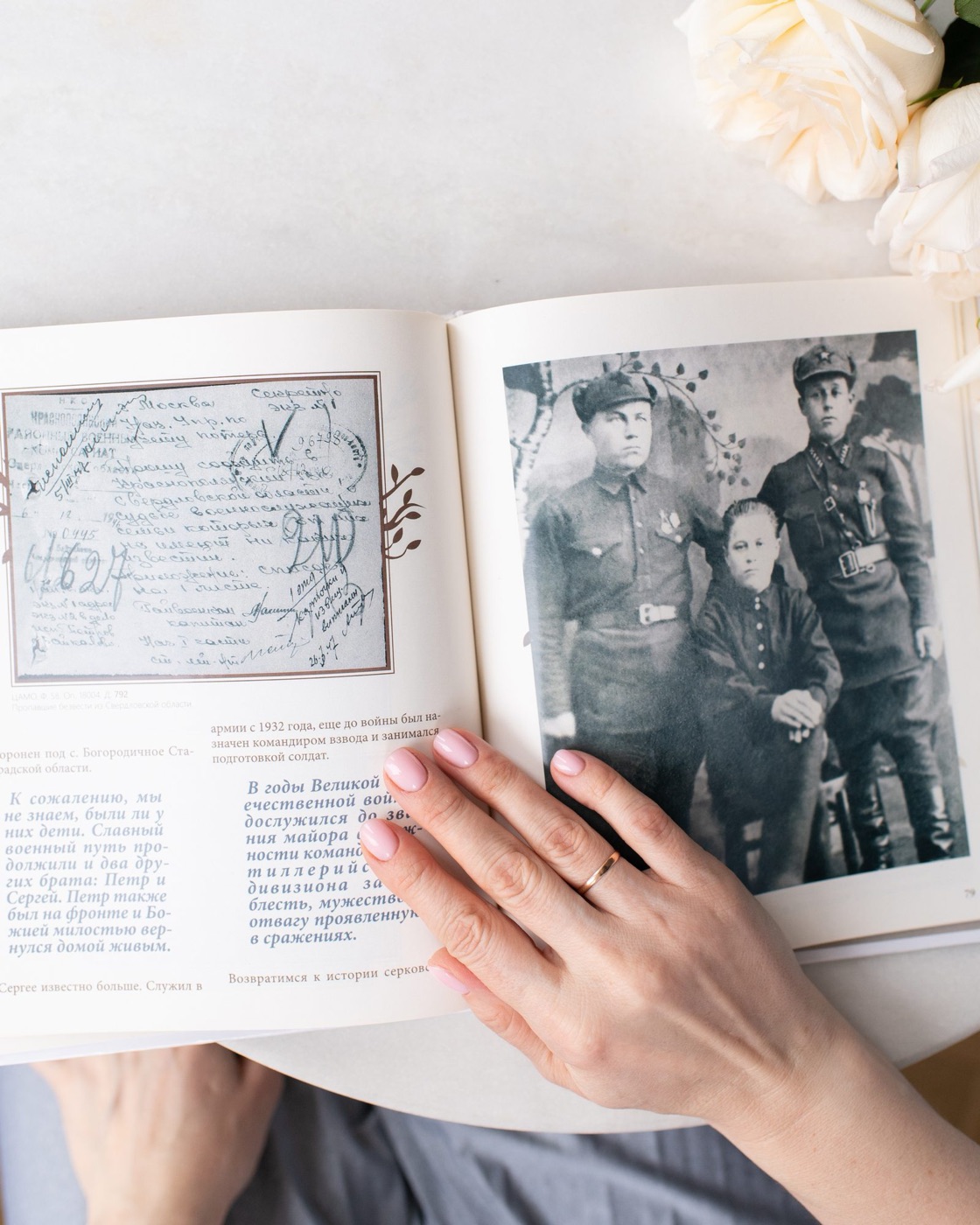

Everything in one place, always at hand
Photos and PDFs open right in your account: scans, audio, video — no downloads, no extra software. Only the archive owner can download files.
- Everything in one place — not “somewhere on my phone” or scattered across three messengers
- No duplicates — the same scan will never show up twice
- A description for every file — who is in the photo and when, where the document came from
- Share by link or QR code — relatives can see a file or folder without signing up
- A shared family archive — everyone adds their own, nothing gets lost
- Documents feed your family website and ancestry book
Files from your conversations with your genealogist and relatives land in “My documents” on their own
Your genealogist sent a scan in Relic Chat? A few minutes later it's already in your media archive, linked to the project. Click “Show sync” to see how it happens.
- Auto-sync every 15 minutes
- No duplicates — a document will never show up twice
- Linked to a project and a person — you always know where a file came from
Your family's memory, protected
We keep the most personal things a family has, so we explain every rule in plain words.
- Links that expire. A file opens only via a short link that works for a few minutes. There are no permanent public addresses, so a link can't be leaked or passed on to outsiders.
- Every file is checked on upload. Documents, photos, audio and video are accepted. Programs and scripts (exe, bat, js and the like) are rejected — they could harm your computer and your family's.
- You control family access. Who can view, who can download; access can be granted temporarily and revoked in one click — it's checked every time a file is opened.
- Secure connection — data is transferred over HTTPS only.

Every document takes its place in your family's story
A parish register scan, a 1916 photo of your great-grandfather, a letter from the front — from the media archive they go into your ancestry book, the genealogical research report and the family tree. Nothing gets lost or sits “somewhere on a phone.”
Getting started is easy: sign up with your email, and a minute later you're saving your first photos.
Questions about documents
File types, privacy, sync and digitization.
What files can I keep in the archive?
Can outsiders see my documents?
What is the sync from the chat?
Can you help digitize a paper family archive?
How do I note who is in a photo?
Can I share a document with relatives?
Will documents appear on the family website and in the book?
Where do I get documents if nothing survived in the family?
Build your family archive while memories last
Upload your first photos today — tomorrow, findings from state archives will join them.
What uploading looks like
Click the button or drag files in — the platform catches duplicates on its own. It works exactly the same way in your account.